 By Vic Dorfman, who founded MemberFix, the WordPress membership agency, in 2012. Reviewed November 2026.
The short version
Money$ense, a financial wellness community that runs on WordPress, BuddyBoss and MemberPress, with a mobile app built on BuddyBoss App.
Money$ense members get benefits through an outside portal that has its own accounts. Money$ense wanted members signed in there automatically, from the website and from the app, without setting up a second login.
Members tap one link and land in the portal signed in. We built this twice. First we connected BenefitHub over SAML (live in March 2026, and it worked in the app too). Then, after Money$ense moved to US HealthCenter, we built a plugin from scratch around that portal's own signed-link login (live since October 7, 2026, on the website and in the app).
- Set WordPress up as the SAML identity provider, so BenefitHub could trust the Money$ense site's sign-in
- Copied ZIP codes out of BuddyBoss profiles so the sign-in plugin could send them
- Built a custom single sign-on plugin for US HealthCenter that sends members without an activated portal profile to activation
- Gave Money$ense's admins a report to track adoption
“This looks amazing. … Thank you for getting this done!!”
Desmond Stinnie, Money$ense
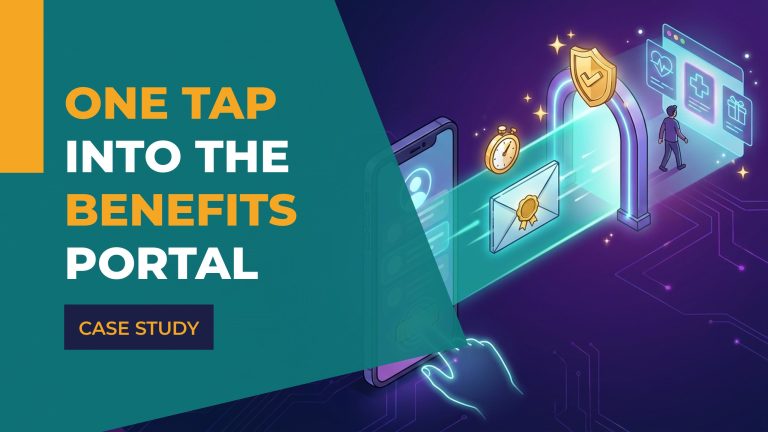
When a Money$ense member wants to use one of their benefits, they tap one link on the website or in the Money$ense app, and they arrive in the benefits portal already signed in, with no second password to remember. (Members who haven't activated their portal profile yet go through activation first.) That's single sign-on: the member signs in once, on the Money$ense site, and the other service trusts that sign-in.
We built two single sign-on connections for Money$ense in 2026, because they changed benefits providers. We connected the first provider, BenefitHub, over SAML, a common single sign-on standard. The second, US HealthCenter, supports neither SAML nor OAuth, another common sign-in standard, so we built a plugin from scratch around its own login method and made it work in the Money$ense app too. If you're weighing a project like this, our page on WordPress SSO integration explains how we approach them.
Same tap, two different ways in
Money$ense members tap one benefits link. What happens behind it changed when they changed providers.
Sign-in was confirmed in BenefitHub's test environment in early February 2026. BenefitHub sign-in also worked in the Money$ense app.
A plugin we built from scratch and tested on a development site before launch. It works on the website and in the app.
A benefits portal with its own accounts
Money$ense runs what their website calls a financial wellness community: courses, articles, podcasts and videos on money, careers and health, plus an anonymous, judgment-free space where members ask questions and learn from each other. Members use it on the website and in the Money$ense app for iPhone and Android, which runs on BuddyBoss App.
We've worked with Money$ense since 2024, on their WordPress site and their BuddyBoss app. So when they added an outside benefits provider for their members, they asked us to connect it. They wanted members signed in to the provider's portal automatically when they came from the Money$ense website or app, rather than setting up and remembering a second login there.
Part 1: BenefitHub, connected over SAML
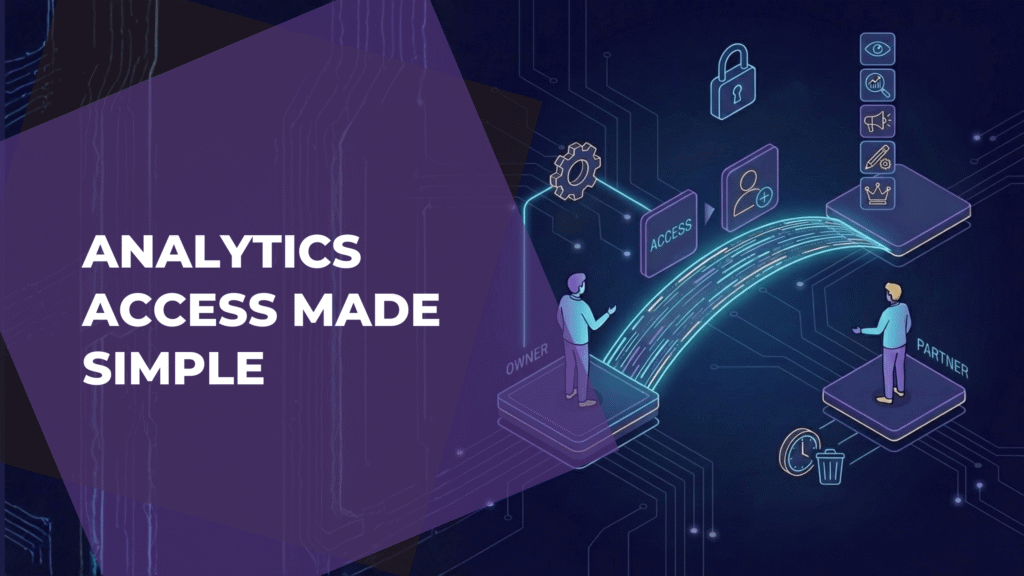
BenefitHub supports SAML, the single sign-on standard a lot of business software uses. In a SAML setup, one system vouches for who the member is and the other trusts it. We set up the Money$ense WordPress site as the identity provider, the system that does the vouching, because that's where members already have their accounts.
WordPress can't act as a SAML identity provider on its own, so we gave Money$ense a choice: license miniOrange's premium WordPress as SAML IdP plugin, or have us build that piece into a plugin of their own. They licensed the miniOrange plugin, and we set it up to meet BenefitHub's SAML requirements.
We had to get two details right.
Getting access to BenefitHub's test environment took about three weeks. Once we had it, we confirmed in early February 2026 that sign-in worked there, and the connection went live for Money$ense members in March 2026.
Part 2: US HealthCenter, a portal with no SAML or OAuth
Later in 2026, Money$ense moved their member benefits from BenefitHub to US HealthCenter. Because US HealthCenter's portal supports neither SAML nor OAuth, the miniOrange plugin we'd used for BenefitHub couldn't connect to it. Instead, the portal has its own login method. The member's home site sends them to the portal with a signed link, meaning a link that carries a digital signature proving it came from Money$ense, and the portal checks that signature before it lets the member in.
So we built a custom WordPress plugin from scratch to create those links. Before launch, we tested the plugin on a development site. We launched it for members on October 7, 2026, on the website and in the app.
What a member sees
A member taps the benefits link, on the website or in the app. If they've activated their US HealthCenter profile, they land in the portal signed in. Behind that tap, the plugin creates a fresh signature for the signed-in member and sends them to the portal, which checks the signature before letting them through.
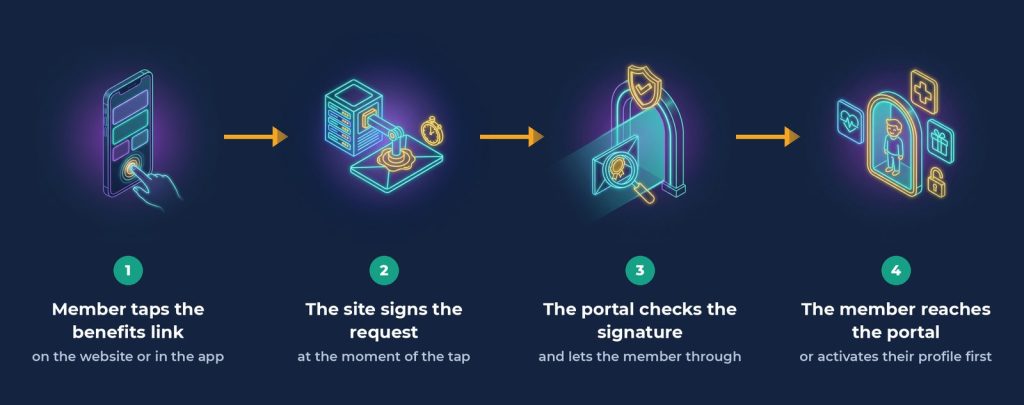
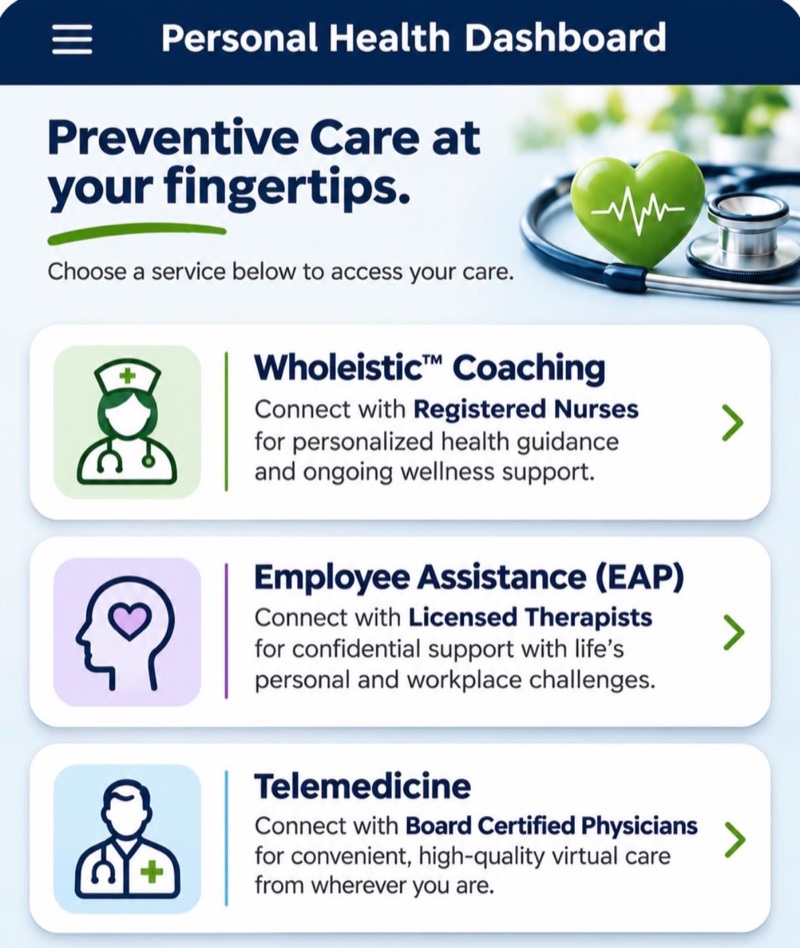
Members who haven't activated their US HealthCenter profile yet don't hit a dead end. The plugin sends them into the portal's activation flow instead, so they can finish setting up and get to their benefits.
Four things that made it hard
We wanted members to never notice the work behind the tap, on the website or in the app.
Four problems stood in the way.
We also reported several bugs to US HealthCenter, and they fixed them on their end.
A report that shows who's using it
A benefit only helps the members who use it, so we gave Money$ense's admins a report inside the plugin. Admins can export it to CSV, so Money$ense can track who has activated and how members are using the benefits link.
The two connections side by side
| BenefitHub | US HealthCenter | |
|---|---|---|
| How the portal handles sign-in | SAML, a common single sign-on standard | Its own signed-link login, with no SAML or OAuth |
| What signs members in | miniOrange's premium WordPress as SAML IdP plugin, licensed by Money$ense and set up by MemberFix | A plugin MemberFix built from scratch |
| The tricky part | Exact field names, and ZIP codes that lived only in BuddyBoss profiles | Extra testing on how sign-in links are signed, time-limited signatures, and app behavior |
| Live | March 2026 | October 7, 2026, on the website and in the app |
Where it stands now
Since October 7, 2026, Money$ense members have tapped one link, on the website or in the app, and landed in US HealthCenter signed in, with no second password. Members who haven't activated yet go to activation instead of an error, and Money$ense's admins can see who has activated and who is using the link.
If you're connecting members to a benefits portal or another outside service
Here's what we'd tell any membership site owner about to do the same, based on this project.
- Ask the provider how members sign in before you commit. If they support a standard such as SAML or OpenID Connect, ask whether an existing plugin covers it, as one did for BenefitHub. If they use their own method, as US HealthCenter does, plan for custom development.
- Check where your member data lives. Every piece of information the provider needs has to be somewhere the sign-in plugin can read. BenefitHub needed ZIP codes that Money$ense kept in BuddyBoss profiles, so we had to copy them over first.
- Test against the provider's real system, not just their documents. Even good documentation can leave gaps: only testing against the live portal showed us how US HealthCenter's sign-in links are signed.
- If members use an app, test single sign-on in the app. Testing in the BuddyBoss app is where we found the back-button and iPhone behavior we had to handle.
- Don't put time-limited links on cached pages. Create them at the moment the member taps, never in advance.
- Plan for members who don't have an account on the other side yet. Give them a way to activate or sign up there, so they don't hit an error.
- Add reporting from day one. Then you can see who has activated and whether members are actually using the link.
For another example of single sign-on on a membership site, see how we connected Free Movement to universities through OpenAthens.
Common questions about single sign-on to a benefits portal
Can a WordPress membership site sign members in to an outside portal?
Yes, if the portal offers a sign-in method you can connect WordPress to. When the portal supports SAML, WordPress acts as the identity provider: it holds the member accounts and vouches for each member, and the portal trusts it. WordPress can't do that out of the box, so you need a plugin for that part. For Money$ense's BenefitHub connection, that was miniOrange's premium WordPress as SAML IdP plugin. US HealthCenter needed a custom plugin instead.
What if the portal doesn't support SAML or OAuth?
Ask whether it has another sign-in method a developer can connect to. US HealthCenter's portal accepts a signed link from the member's home site instead. The miniOrange plugin Money$ense already had couldn't produce those links, so we built a custom plugin.
Does single sign-on work inside a BuddyBoss app?
Yes, but test it in the app itself, not only in a browser. For Money$ense, the benefits button had to be a plain link so the app's back button kept working, and the iPhone app needed its own handling before sign-in worked reliably there.
How can we tell whether members are using it?
Build reporting in from the start. Money$ense's admins have a report that lists every active benefits member, how they activated their portal profile and when they last signed in through the benefits link, with a CSV export.
Want your members to get into another platform without a second password?
Tell us what you're connecting. We'll listen, give you the benefit of our experience and some honest advice, and if it's a fit, help you build it.