


































Your Uncommonly Amazing WordPress Tech Partner
WordPress AI chatbots, built and maintained for you

AI Chatbot Development for Membership Sites

Stop answering the same member questions by hand, without leaving anyone on their own

For WordPress membership and course sites. Trained on your content, private by design, and set up to hand tricky questions to a real person.

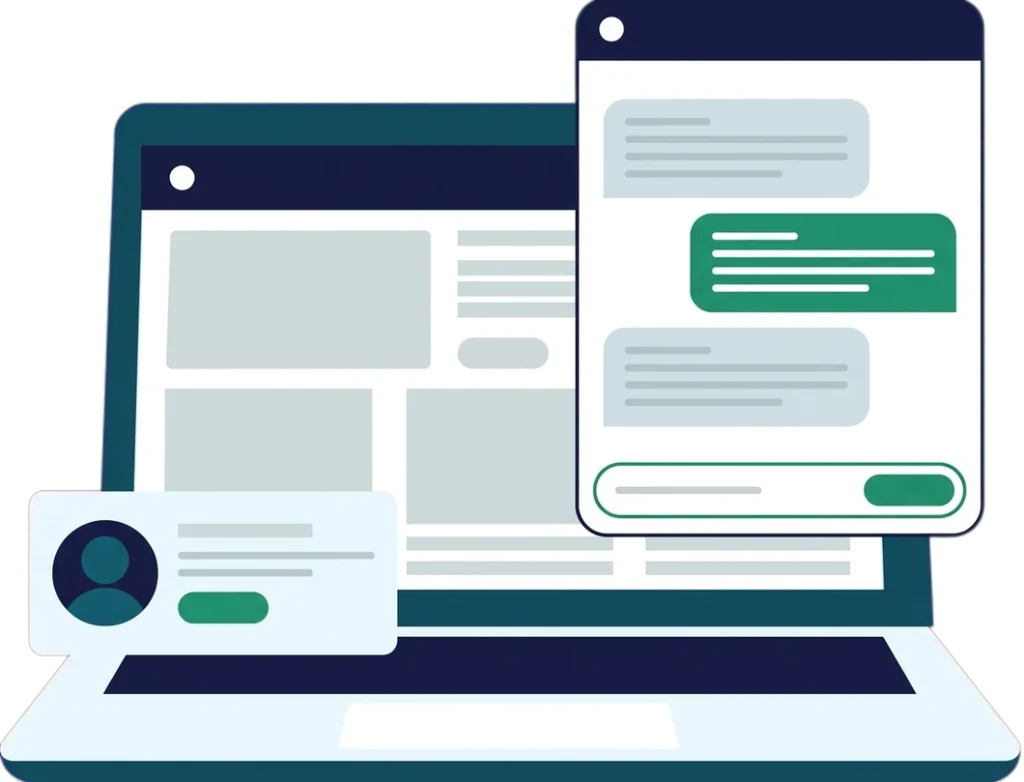
Illustration of a WordPress course site on a laptop with an AI chat assistant answering a student and a card for handing off to a human
As seen on
LearnDash logo
Membership Geeks logo
WP Fusion logo
MemberPress logo
MemberMouse logo
Membership Academy logo

When the founder is the help desk, the inbox runs the day

It rarely starts as a problem. You answer a few emails a day and it feels like good service.

Then enrollment grows. A launch lands, a price goes up, a new cohort starts, and the same questions arrive by the dozen. Where do I log in? When is the live class? Did my payment go through? Which lesson covers this?

Each reply takes a few minutes. Together they take your morning. The work only you can do, like the next course or the partnership you keep meaning to follow up on, slides to “someday.”

Chat bubble icon

The same ten questions, asked a hundred different ways

Clock with moon icon

Weekends end with a Monday inbox cleanup

Stack of envelopes icon

Every launch or price change floods your support email

Open book icon

New courses and projects keep slipping to next quarter

Browser window with chat bubble icon

Members wait hours for an answer that takes 30 seconds

Support cost calculator

What is answering the same questions costing you?

Three quick inputs: the hours that go to support each month, what that time is worth, and how much of it an assistant could realistically take on. Everything is calculated in your browser.

hrs

Count everyone who answers: you, your VA, your team. The numbers below are examples, so swap in your own.

$

Weight it by who does the answering. Your own hours are worth what they would earn you elsewhere, not what you pay yourself.

%

Think time, not question count. Routine questions are often the quick ones, and someone still reviews conversations and handles hand-offs, so set this lower than the share of questions that repeat.

How the math works: hours × rate gives the monthly cost, × 12 gives the year. The freed-up figure applies the share you set. Work weeks assume 40 hours, and a month has 22 working days (so "3-4 hrs a day" uses 3.5). Everything is calculated in your browser, and the numbers you enter are not recorded.

Estimated value of your support time

$2,640 a month

$31,680 a year

That's 528 hours a year, about 13 full work weeks.

An assistant could take on: 17.6 hrs a monthStill needs a person: 26.4 hrs a month

Potential value of time freed up

$12,672 a year

That's 211 hours a year, or about 50 minutes in every working day.

An estimate of what that time is worth, before the cost of building and running a chatbot.

For comparison, the Gemini API bill for the chatbot we built for Realtime Voice Training has stayed under $30 a month so far.

Real results

From answering every student email herself to an assistant that answers at 11pm

Charlene Hansard runs Realtime Voice Training, a LearnDash course that prepares court reporters for certification. She answered every student email herself, until we built her an AI assistant. Here’s the short version of what changed. The full story is in the case study.

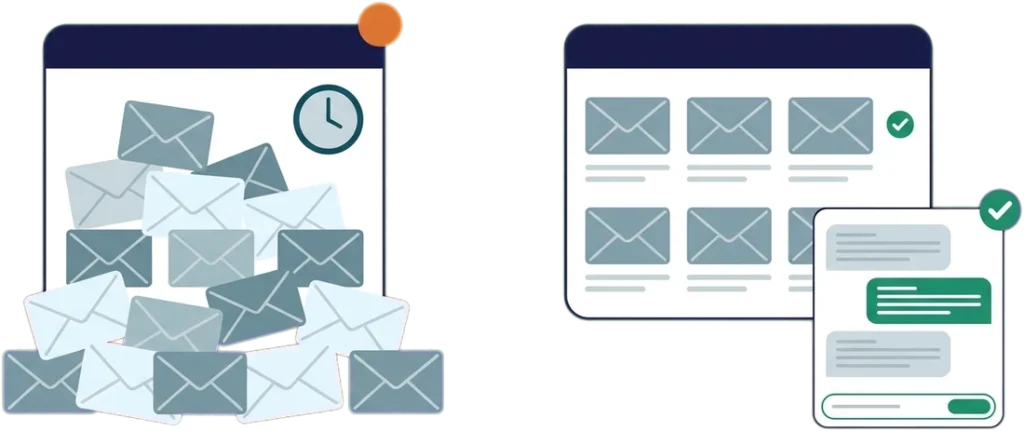
Before and after illustration: an overflowing support inbox, then a calm inbox with an AI chat assistant answering routine questions
Before
  • The founder answered every student question personally, 3 to 4 hours a day
  • 60 to 100 emails a day during enrollment rushes
  • Weekend questions piled up for Monday
  • New mini-courses and a course redesign sat on hold

Across a year, that workload came to roughly 750 to 1,000 hours of repeat questions (our good-faith estimate from her email volume).

After
  • An assistant (Charlene named it Quill) trained on her lessons, class transcripts, FAQs, and past replies
  • First-week usage: 125 student messages from 37 students
  • A student studying at 11pm gets the same response time as one asking on a Tuesday afternoon
  • When it can’t answer confidently, it points the student to Charlene’s email with a summary of what was asked
  • A Gemini API bill under $30 a month so far, on Google’s paid tier, where prompts and responses aren’t used to train Google’s models
“It gave me good answers.”
Charlene Hansard, Realtime Voice Training, after testing the assistant with real student questions

Your members still get you. Just not for the fifth login question of the day.

The worry we hear most is that a chatbot will make a business feel cold. Set up well, it does the opposite.

Members get an answer in seconds instead of hours. Your team stops pasting the same reply and gets time back for the conversations that need a person: the student who is struggling, the member thinking about canceling, the question nobody has asked before.

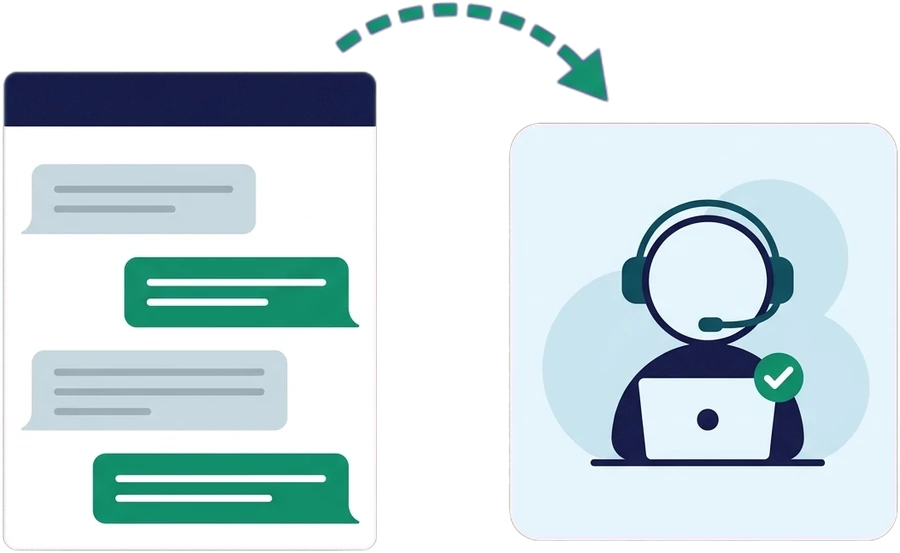
Every assistant we build has a clear hand-off. When it isn’t confident, or someone simply wants a human, it says so and points them to you or your team, with the question already summarized. A person then replies during your normal hours.

Illustration of an AI chat conversation being handed off to a human support team member wearing a headset

Private, accurate, and honest about what it doesn’t know

Shield with padlock icon

Private by design

Our chatbots run on Google’s paid Gemini API tier, where Google’s terms say prompts and responses aren’t used to improve its products. Google does keep limited logs to detect abuse and meet legal obligations. Your course material and your members’ questions don’t train Google’s models.

Open book icon

Grounded in your content

The assistant is instructed to answer from the knowledge base we build with you, not the open internet. We test it against your real questions before launch and review conversations after.

Two people with arrows icon

A human is always one step away

You decide the hand-off rules: low confidence, sensitive topics, billing disputes, or a plain “I want a person” get sent to your team, with context.

Chat bubble icon

Careful with sensitive data

Members are told they’re talking to an AI assistant. It’s set up not to ask for payment details or passwords, and to send those conversations to your team. We match it to your privacy policy, and if your business has specific rules to follow, we build around them.

Is a chatbot right for your site?

A good fit if

Probably not yet if

How we build your chatbot

Step 1

Pull your real questions

We go through your inbox, help desk, and community to find what people actually ask and how you answer.

Step 2

Build the knowledge base

Lessons, transcripts, FAQs, policies, and your best past replies, organized so the assistant can find the right answer.

Step 3

Test it before anyone sees it

You try to trip it up. We tune answers, tone, and hand-off rules until you’re happy putting your name on it.

Step 4

Launch and keep it current

We review conversations, fill gaps, and retrain when your content changes, so it improves instead of going stale.

Real people, real results

Don’t wrestle with your tech problems alone, hear how we’ve helped other clients improve their sites and free up time

unnamed file
Love having Memberfix on my team! It’s priceless to have the peace of mind knowing someone who really understands how WordPress and the membership software works (and much more) is just an email away. Your responses have been courteous and prompt, your help and advice invaluable. Highly recommended ?
Lindsay C
Mind Muscles for Traders
unnamed file
You guys have been life savers for me. We had been trying to find help at home with the baby to free me to learn and build it but when we switched to paying your team …. it was a lot better! Your team could actually build it correctly instead of my learning curve! And I could focus on the other aspects on the company set up!
Jules Watkins
iPhone Hero
unnamed file

MembersFix is fantastic! You guys are help sent from the heaven. Response time is amazing.

Noah Jensen
Noah Jensen
Aura Dating
See what more of our happy customers had to say

What is an AI chatbot for a WordPress site?

A WordPress AI chatbot is a chat assistant on your site that answers member and customer questions from your own material: course lessons, help docs, policies, and the replies you have already written. A good one answers routine questions in seconds, says so when it doesn’t know, and passes the conversation to a person with the question already summarized.

MemberFix builds custom AI support chatbots for WordPress membership sites, LearnDash course sites, and online communities. We connect the assistant to the site you already run, train it on your content, test it against real questions from your inbox, and keep it current as your content changes.

Reviewed by Vic Dorfman, founder of MemberFix, 10+ years building and supporting WordPress membership sites. Last reviewed: September 2026.

AI Chatbot Development FAQ

How much does an AI chatbot cost to run?

Running costs are usually small. The AI provider bills by usage (how much text goes in and out), and for Realtime Voice Training’s assistant the Gemini API bill has stayed under $30 a month so far. The larger cost is building and maintaining it: training it on your content, testing it, and keeping it current. We quote that up front after a short scoping call.

Will a chatbot replace my support team?

No. It takes the repetitive questions so your team can spend time on the conversations that need a person. Every assistant we build hands off to a human when it isn’t confident or when someone asks for one.

Is my data used to train the AI model?

Not on the setups we build. Our chatbots run on Google’s paid Gemini API tier, whose terms say prompts and responses aren’t used to improve Google’s products. Google does keep limited logs to detect abuse and meet legal obligations. The assistant is also set up not to ask for payment details or passwords.

What happens when the chatbot doesn’t know the answer?

It’s set up to say so and point the member to you or your team, with a summary of what was asked. We would rather it hand off than guess.

How accurate are the answers?

No AI gets every answer right, so we won’t promise that. Answers are only as good as the material behind them and the testing before launch. We test against real questions from your inbox, tune until you’re comfortable, and review conversations after launch to close gaps.

Can the chatbot give away lessons a member hasn’t paid for?

Our default setup avoids that by training it only on material every member is allowed to see, like FAQs, policies, schedules, and where to find things. If you want it to answer from paid lesson content, we scope and test access rules for your membership levels during the build.

Does it work with LearnDash, MemberPress, and other membership plugins?

Yes. We build it into your existing WordPress site and train it on your courses, help docs, and FAQs. We’ve spent 10+ years working with LearnDash, MemberPress, BuddyBoss, WooCommerce, and most major membership plugins.

Vic DorfmanWritten and reviewed by Vic Dorfman, founder of MemberFix, 10+ years building and supporting WordPress membership sites. Last reviewed September 2026.
SOME OF THE AWESOME FOLKS WE’VE WORKED WITH
ProcessDriven logo
Paul Wilson Golf logo
Splasheo logo
Nomad Capitalist logo
Echelon Front logo
AuthorityHacker logo

Want your mornings back without going quiet on your members?

Tell us what your members keep asking. We’ll get back to you promptly.

AI Chatbots

Tell us what your members keep asking.

A 20-minute call with a technical team member. Bring your calculator numbers and we’ll tell you straight whether a chatbot is worth it for your site.

Replies within one business day
Talk to an expert who helps first, not a hard sell
Trusted by 100+ membership sites
Trusted by teams using
LearnDash MemberPress Membership Geeks