
At a glance
Who: Court reporter certification prep platform. WordPress, LearnDash and WooCommerce Subscriptions.
Problem: Every enrollment and installment payment was handled by hand, 15 to 20 minutes each, taking half the founder's day at peak.
Result: 71 signups in one month processed with no manual admin, around 24 hours of hands-on work avoided (good-faith estimate). The same sales volume produced 15.38% more profit.
Scope: Built and launched in six weeks, including FluentCRM integration.
At Realtime Voice Training, every enrollment used to run through Charlene. When 71 students signed up in a single month, she didn't have to do a thing. WooCommerce development turned her enrollment into a checkout that runs itself.
Here is how.
The Situation
Charlene Hansard has been a working court reporter since 2002. She holds two certifications – CCR and CVR-M – and still takes active freelance cases while running Realtime Voice Training, a voice court reporter prep course built and taught by someone still actively working in the field. Her students are preparing for the NVRA certification exam.
The course operates on two enrollment tracks: full-price access and an installment option. For years, both ran through Charlene personally.
The Problem
Running a certification course and running the enrollment infrastructure for it are two different jobs. Enrollment automation wasn't on Charlene's radar yet – for a long time, she was doing both manually.
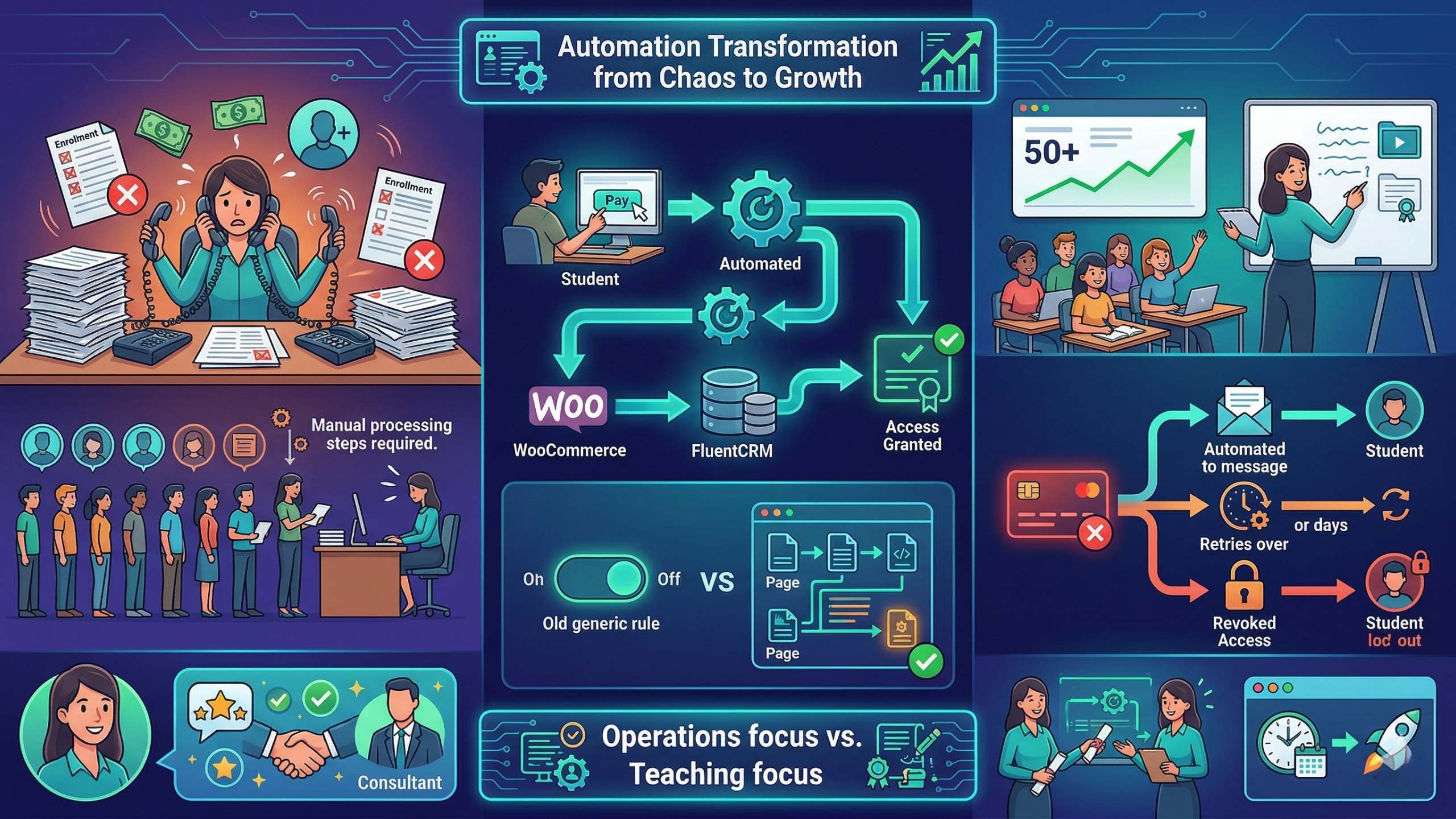
Every enrollment followed the same manual sequence: account creation, LearnDash access grant, welcome email – done personally, at any hour. For students on the installment plan, there was no automated billing at all – Charlene sent each payment request manually, then tracked whether it had been paid. Failed cards required follow-up. Overdue installments required tracking. At a steady pace of a few signups per month, the workload was manageable. As volume increased, it started taking over her day.
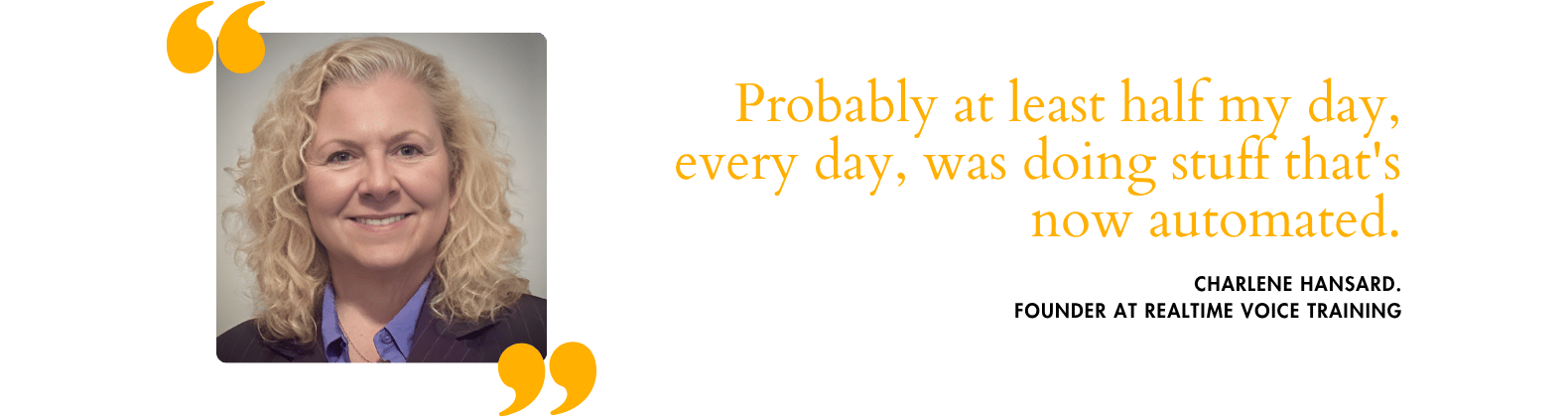
“No matter what I was doing, day, night, if somebody signed up, I had to run down here and send those emails – because if I didn't, they were emailing me.“
Each enrollment took 15 to 20 minutes of hands-on admin. When students signed up and their welcome email didn't arrive immediately, they followed up asking where their access was – which generated more email to process. At peak periods, Charlene estimated that at least half of each working day was going toward enrollment administration rather than teaching.
The course content, the live instruction, the curriculum – that is what students enrolled for. Every hour spent on admin was an hour not available for those things.
The Decision
Charlene had been managing every aspect of enrollment on her own from the beginning – there was no admin support, and no existing system to hand anything off to. When she partnered with Memberfix, automating the enrollment and payment flows was on the priority list.
At the same time, Costi, who was directly working with Charlene, recommended raising the course price – the first increase in 14 years. When she communicated a pricing deadline to her students, signups came in faster than either of them had anticipated. The subscription automation was already live when that volume arrived. That timing shaped what followed.

What We Built
WooCommerce Subscriptions and CartFlows handle both checkout flows – full-price and installment. When a student completes payment, LearnDash enrollment triggers automatically. No manual step, no delay.
Building on WooCommerce Subscriptions? Here's how we configure FunnelKit with WooCommerce Subscriptions for membership sites.
For failed payments, the system runs a defined three-stage process:
- An automated email goes to the student with instructions to update their payment details
- The charge retries every two to three days
- If unresolved after five days, the student is unenrolled automatically
If a student updates their card and needs immediate access, Charlene can retry the charge directly from the WooCommerce order screen without waiting for the next scheduled retry.
On MemberPress? Members can update their card details without a WordPress login.
FluentCRM was integrated to keep student records current alongside payment and enrollment status – it had not been part of the system before this project.
A gifting flow is also in development: a checkout path for cases where a parent or employer pays on a student's behalf, with account details routed correctly so the enrollment creates under the student's name rather than the payer's.

Results
We built and launched the enrollment automation in six weeks. Charlene announced a pricing deadline shortly after. Students rushed to lock in pre-increase rates – 71 people joined and the system handled every signup automatically. No manual account creation. No delayed welcome emails. No midnight admin. At 20 minutes per manual enrollment, that would have been nearly 24 hours of hands-on work:
“It's ungodly if I'd had to do it myself.”
When enrollment returned to its typical seasonal pace, the price increase held. The same number of sales produced 15.38% more profit.
The Takeaway
Expert-led eLearning businesses face a specific constraint: the founder is the product. The teaching, the credibility, the curriculum – those are what students enrolled for. When enrollment admin competes for the same calendar, the work that makes the course worth taking loses ground.
There's a second constraint worth naming. When your backend can't handle volume, growth moves carry operational risk. A price increase or a promotional sale that brings in a surge of new students is a win – unless you're processing each one by hand. The automation at Realtime Voice Training handled both: the rush when Charlene announced her first price increase in 14 years, and a recent sale that brought 71 enrollments in a single month. Both landed on a system built for them.
That's what made the growth a result, not a problem.
Running a course platform where you're also the enrollment system?
 Reviewed by Vic Dorfman, founder of MemberFix, a WordPress membership expert with 10+ years building, fixing, and scaling membership sites.
Last reviewed August 2026.