Association Website Design and Development on WordPress
We build and run association websites that handle dues, renewals, member records and staff workflows, with a technical team that explains things in plain English.
- Moved TechServe Alliance off YourMembership and Higher Logic without a single member re-entering payment details
- Rebuilt associations coming off ClubExpress and Joomla
- Dues, directories, courses and community in one place
- You own the site and the data, and ongoing support is month to month
Associations we’ve worked with
What makes an association website different?
Beyond the public pages, an association website has to take dues and handle renewals, keep an accurate member record, and run things like directories, events, courses or certifications. And it has to do all of that for a small staff who already have other jobs. When those pieces live in systems that don’t talk to each other, your team ends up doing the connecting by hand.
We design and build association websites on WordPress, then keep them running. Usually that means one of three jobs: moving you off an association management system (AMS) or an old platform, fixing the WordPress site you already have, or adding the association features your current setup can’t handle.
What that looked like for four associations
TechServe Alliance: off YourMembership and Higher Logic, onto one platform
The problem
TechServe Alliance is the national trade association for the IT and engineering staffing industry. Its membership ran on a patchwork of systems: an AMS, a separate community platform and a portal nobody could customize. The membership model was complex: tiers for staffing companies, optional add-ons, local chapters, team memberships, grandfathered pricing and a certification program.
What we did
Over 20 months and 8 phases, we moved members and their subscription history across, built a custom payment integration, made HubSpot the single source of truth, and set up the community on BuddyBoss, the certification program on LearnDash, and searchable supplier and member directories. We still run it under Managed TechOps.
The result
No member had to re-subscribe or re-enter payment details. When reply-by-email didn’t survive the move, we built a plugin for it, and forum topic creation went up 87% year over year (February to April, 2025 vs. 2026).
“the end result is a much-improved user experience and a modern system we’re very pleased with overall.”Lori Fitzsimon, TechServe Alliance Read the TechServe Alliance case study
QMHOA: finding the renewal leak
The problem
The Queensland Manufactured Home Owners Association is run by a volunteer committee. The site was already on WordPress, but renewals and member records weren’t adding up.
What we did
A full member-experience audit: we tested 15 member journeys end to end and wrote the report so a non-technical committee member could follow it, followed by a phased plan to fix what we found.
The result
We found lapsed members being sent to the new-member signup form instead of a renewal, members whose payment and membership records disagreed (including some who were paying and locked out), and renewal emails landing in spam. Those were fixed in the first phase. We now meet weekly and are working through a simpler registration flow, a member dashboard and accessibility work for an older membership.
Full case study coming soon
MDBA: from a fragile Joomla site to one guided registration process
The problem
Master Dog Breeders & Associates registers purebred dogs and certifies pedigrees for members around the world. Every application went through several approval stages, identity checks and staff emails, all by hand on an outdated Joomla site.
What we did
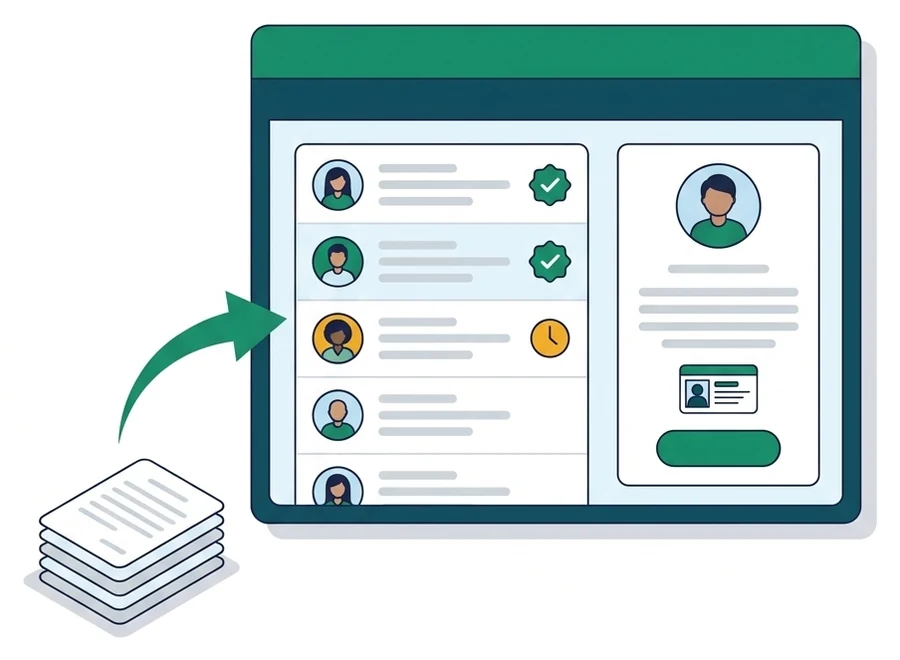
We rebuilt it on WordPress with Gravity Forms, GravityFlow and MemberPress: an automated approval workflow, a front-end dashboard where staff manage members without touching the WordPress backend, a public breeder directory, and registration forms for single dogs and litters.
The result
Registration went from days of back-and-forth to one guided process.
Read the MDBA case studyGeorgia Court Reporters Association: off ClubExpress, with CE and licensing built in
The problem
GCRA wanted to leave ClubExpress for a site built around what its members use most: continuing education, the licensing exam program, jobs and events.
What we did
We rebuilt it on WordPress and MemberPress with member tiers, a continuing education course library that issues certificates, exam registration and study guides for the licensing program, a job board with an approval workflow, an events calendar and an affiliate program for training providers.
The result
ClubExpress is retired, and the association runs its education, exams and jobs from its own site.
Full case study coming soon
What we build for associations

Leave your AMS or old platform
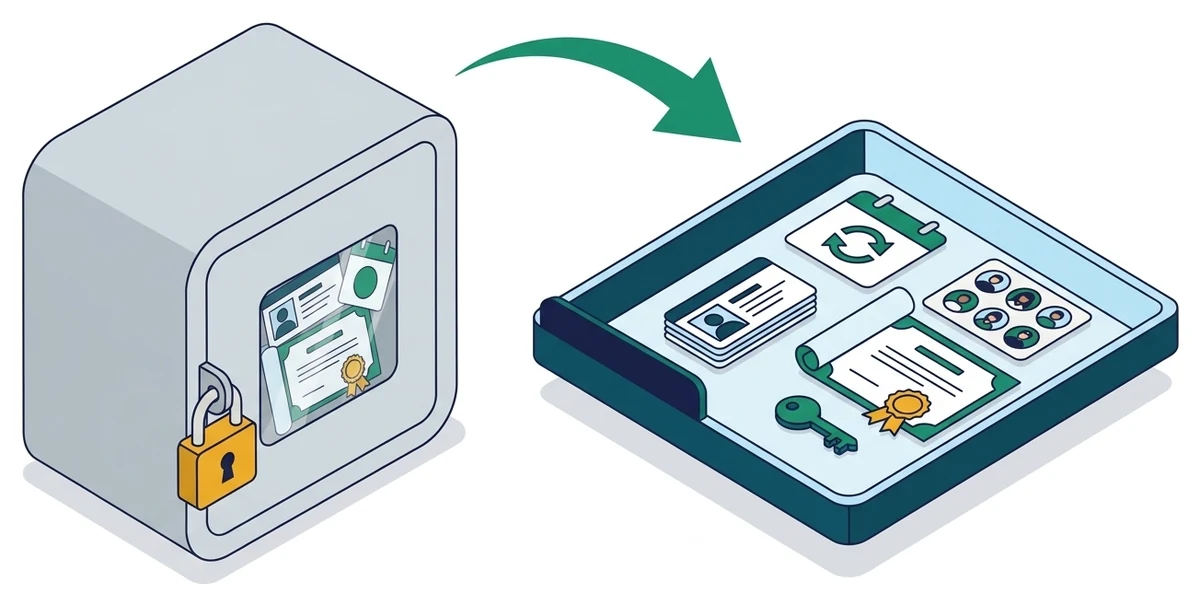
We’ve moved associations off YourMembership, Higher Logic, ClubExpress and Joomla. We bring across members, directories and certification records, plus payment and subscription history wherever your old platform lets us export it. We’ll plan the cutover around your renewal cycle and your board meetings.
Dues, renewals and member types
Member tiers, company and team memberships, local chapters, grandfathered rates, renewal reminders and invoices that land in your accounting system. This is where associations quietly lose members. Try the renewal test below on your own site.
Directories and staff dashboards
Member and supplier directories members can search and update themselves, and front-end dashboards so staff can approve, find and manage members without learning the WordPress admin.
Courses, CE and certification
Course libraries, continuing education with certificates, certification exams and the historical records that go with them, built on LearnDash or MemberPress.
Community and forums
Member communities and private groups on BuddyBoss, including things no commercial plugin did when we needed it, like the reply-by-email plugin we built for TechServe Alliance.
The five-step renewal test
Renewals are where association websites leak members without anyone noticing. Grab an expired test account (or ask your membership manager for one) and try these five steps on your own site. Tick each one that works.
Nothing you tick is saved or sent anywhere.
WordPress or an association management system?
An AMS like YourMembership, ClubExpress or Wild Apricot gives you a member database, dues and events in one subscription, and for plenty of associations that’s the right call. It gets painful when your dues tiers, chapters or certification program don’t fit the way the software thinks, and every change depends on what the vendor allows.
WordPress isn’t an AMS out of the box. It becomes one when you combine a membership plugin, forms, a CRM and someone who keeps it all working. That last part is us.

WordPress makes sense if
- Your dues tiers, chapters, company memberships or grandfathered rates don’t fit the software
- Member data lives in systems that don’t talk to each other
- You want the site, directory, courses and community in one place
- You want to own your site and export your data whenever you like
Stay on your AMS if
- It fits how your membership works, and your staff are happy with it
- You’d rather the vendor handle maintenance than own a website that needs looking after
- You depend on an AMS integration that already works and that we’d have to rebuild
How it works
Walk us through how your membership runs today and where it hurts. You’ll talk to a technical team member, not a salesperson.
The free initial audit looks at your member journey, your site’s performance and plugins, and how your offer is structured, and gives you a general overview of where things stand.
If there’s more to do, we scope it in plain English, item by item, so your staff, committee or board can decide what to fix first. For QMHOA’s volunteer committee, that was a full paid audit and a phased plan.
We build and migrate on a staging site first. After launch you can keep us on through Managed TechOps, with weekly calls, month to month, and you keep everything if you leave.
What drives the cost: We don’t publish prices, because two associations rarely need the same thing. The main drivers are how many member types and pricing rules you have, whether we’re moving data and payments off another platform, which systems the site has to talk to (CRM, accounting, email), and how much you want us to look after afterward. Plugin licenses and hosting are separate running costs, and we’ll list them in the plan. We’ll tell you what your project would take before the build or fixes begin.
Tell us about your association.
A chat with a technical team member. Tell us how your membership works and what’s getting in the way, and we’ll tell you what we’d do.
Association website FAQ
Is WordPress a good platform for an association website?
Yes, when your membership model is more complex than an off-the-shelf AMS handles, or when you want everything on a platform you own. TechServe Alliance, MDBA and the Georgia Court Reporters Association all run on it. The trade-off is that WordPress needs looking after: updates, testing and someone who knows how your setup fits together. If nobody will own that, an AMS may suit you better, and we’ll say so.
Can WordPress replace our association management software (AMS)?
Often, yes. With a membership plugin like MemberPress, forms, a CRM and the right integrations, WordPress handles member records, dues, renewals, directories, events and courses. TechServe Alliance, GCRA and MDBA all left other platforms for it. We’ll tell you on the call if your AMS does something we’d struggle to match.
Can you connect our website to our CRM or existing AMS?
We’ve connected association sites to HubSpot (TechServe Alliance’s member data syncs across several record types) and to Xero for dues invoicing (MDBA). If you use a system we haven’t connected before, tell us which one and we’ll check what its API allows before promising anything.
Will members have to sign up again or re-enter their card when we move?
Not if we can help it. When TechServe Alliance moved, no member had to re-subscribe or re-enter payment details. Whether that’s possible for you depends on your payment processor and what your current platform lets you export, and we check that before the migration is planned.
Can you handle chapters, company memberships and group seats?
Yes. TechServe Alliance has tiers for staffing companies, optional add-ons, local chapters, team memberships and grandfathered pricing. We’ve also built institutional access through OpenAthens for a legal publisher, Free Movement, with a finished access layer in under two months from first deployment.
Our staff isn’t technical. Who runs the site after launch?
Your staff run the membership, and we run the technology. Staff get simple screens for the jobs they do every day, like approving and finding members (MDBA’s team works this way), and we write things up so anyone on staff can follow them. If you want us to keep it running, Managed TechOps covers updates, testing and development hours, month to month.
How long does it take, and how much of our staff’s time?
It depends on the job. Institutional access for Free Movement was finished in under two months from first deployment. TechServe Alliance’s full move off YourMembership and Higher Logic ran 20 months across 8 phases, because it covered payments, CRM, community, courses and directories. Your staff’s main jobs are telling us how your membership really works and testing before launch. We handle the rest.
How much does an association website cost?
It depends on your member types and pricing rules, whether you’re migrating off another platform, and which systems the site has to connect to. We don’t publish a starting price, because we’d need to hear those details first. Start with a quick call and the free initial audit, and we’ll tell you what it would take before the build or fixes begin.