At a glance
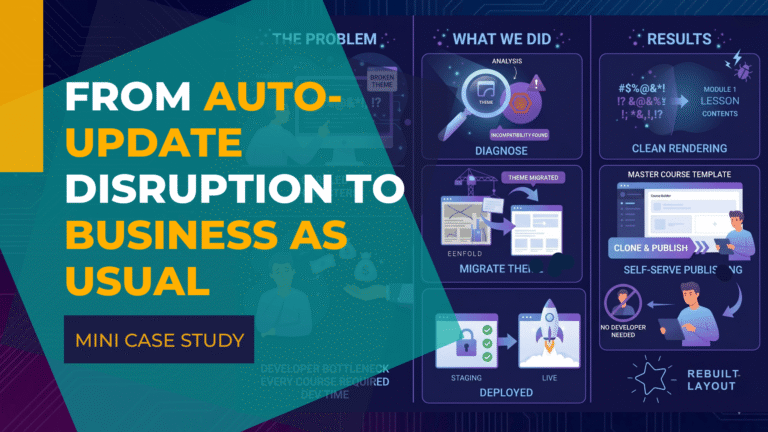
Who: Three membership and community sites on BuddyBoss, LearnDash and WP Fusion.
Problem: BuddyBoss 3.0 shipped as an automatic update and silently broke access fields, course enrollment and forum privacy.
Result: A private cohort forum had been exposed to the whole membership. Locked down and verified the same day, from three different login states.
Scope: Classic admin restored with a custom plugin built in about two hours. BuddyBoss shipped its own fix 50 days later.
In May 2026, the BuddyBoss 3.0 update shipped as one of the platform's biggest releases in years. Weeks later it reached several MemberFix clients, who logged in to find their dashboard changed and the tools they relied on missing. Here is what the BuddyBoss update changed, what broke, and how our BuddyBoss development team resolved each case.
The BuddyBoss 3.0 update in 30 seconds
What changed: On May 13, 2026, BuddyBoss 3.0 rebuilt the Forums, Topics, Replies, and Groups admin screens in React and shipped it as an automatic update with no public beta. The new screens stopped running through the classic WordPress hooks that other plugins rely on.
What broke for real membership businesses:
- WP Fusion access and tag fields disappeared from the Forums and Groups admin.
- Custom columns, URL filters, quick-edit links, and the visible post, Group, and Forum IDs teams rely on all vanished.
- BuddyBoss-to-LearnDash course enrollment silently stopped, and one private cohort forum was exposed to every member.
The fix: We built a free plugin that restores the classic Forums, Topics, Replies, and Discussion Tags screens, and the WP Fusion fields with them. It is fully reversible and makes no database changes. For deeper breakage we re-architected course access around WP Fusion and re-secured the exposed forum the same day it was reported. BuddyBoss later patched settings metaboxes in 3.1.0 (July 2, 2026), but not the classic forums admin.

The BuddyBoss Update
On May 13, 2026, BuddyBoss released BuddyBoss Platform 3.0, describing it as “the most significant update to the platform in years.”
On paper the headline features were useful: a modular loading system that only runs code for active components, a tile-based settings layout, in-context help panels, auto-save, and integration with WordPress's native admin search. BuddyBoss also noted it had resolved more than 300 issues across its stack in the preceding three months.
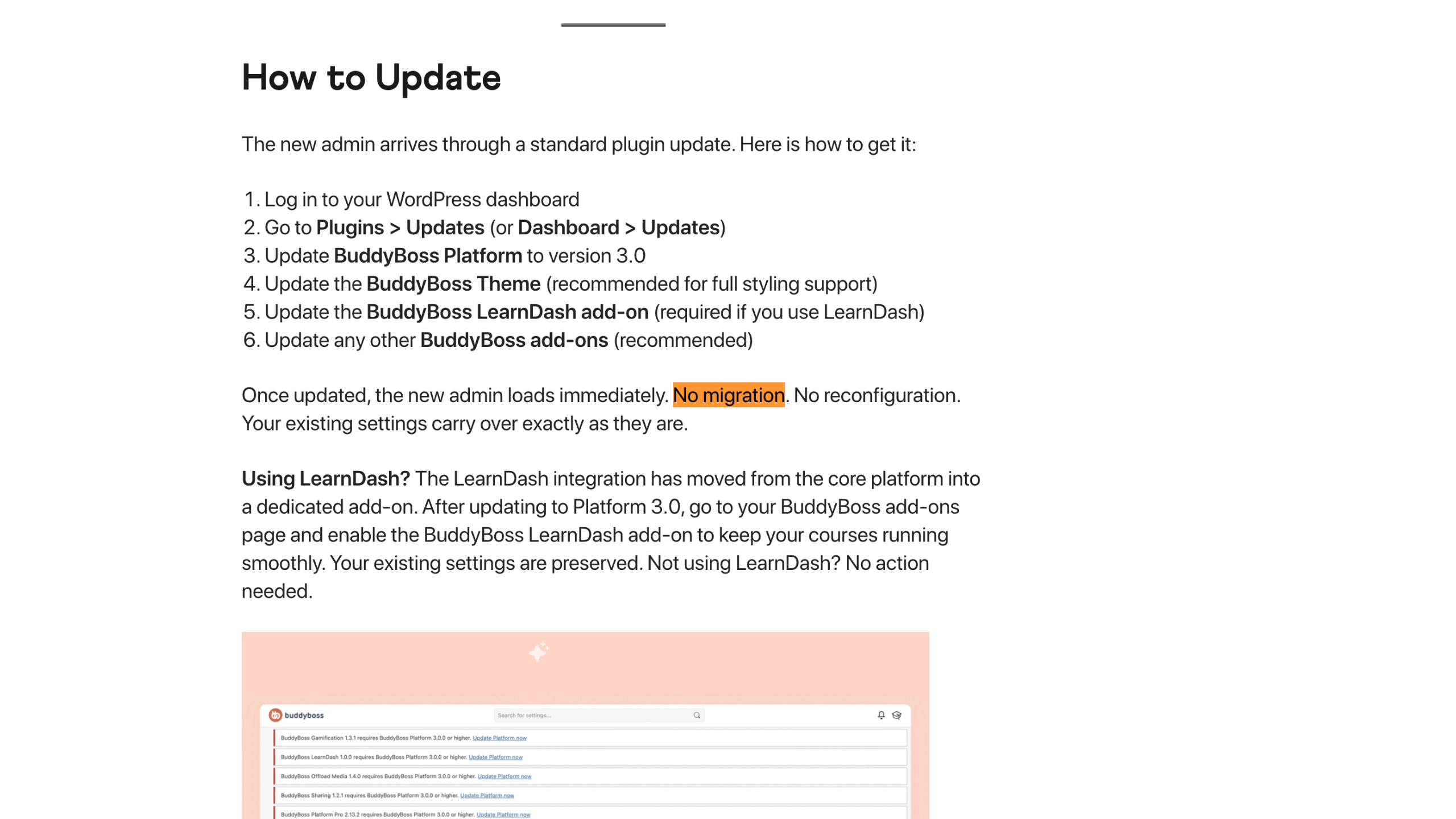
The update instructions were simple and reassuring. Run the update, and “the new admin loads immediately. No migration. No reconfiguration. Your existing settings carry over exactly as they are.” The one exception was for LearnDash users, who had to enable a newly separated LearnDash add-on.
From BuddyBoss's side, this was a reasonable modernization. The admin had grown organically since 2019, and moving to a faster, modular architecture is a defensible goal. The problem was not the goal. It was the delivery.
How the Release Landed in Production
Three things about the rollout mattered.
- No public beta or RC phase. The version immediately before 3.0.0 was 2.21.1, a routine bug-fix release on April 22, 2026.
- Announcement and code arrived the same day. The blog post, FAQ, and GitHub release all went live on May 13, so users got no advance window to test or prepare.
- GitHub was not a support channel. BuddyBoss closed its public GitHub issue tracker in early 2024 and routes all bug reports and feature requests to private, ticket-based support at BuddyBoss.com. There was no shared public place for users to compare notes or track fixes.
Because the update arrived through the same mechanism as any routine plugin update, the effective message was “this is normal.” Many site owners ran it. By the time our clients were on 3.0.5, the Forums, Topics, and Replies admin screens had been rebuilt in React, and that is where they felt it most directly. The exact release that introduced the React forums admin is not documented in BuddyBoss's public changelogs; they hit it while running 3.0.5.
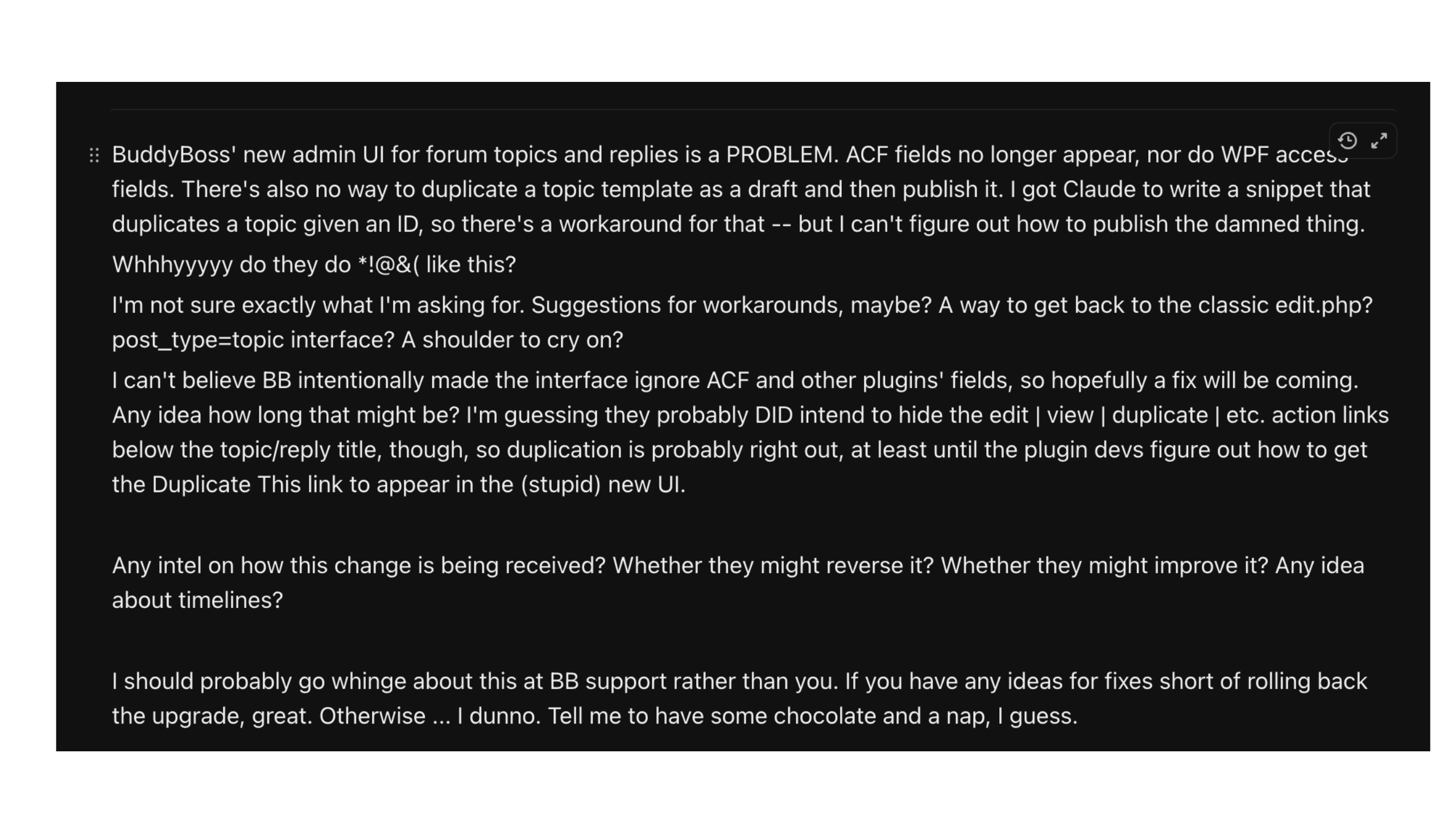
BuddyBoss' new admin UI for forum topics and replies is a PROBLEM. ACF fields no longer appear, nor do WPF access fields. There's also no way to duplicate a topic template as a draft and then publish it. I got Claude to write a snippet that duplicates a topic given an ID, so there's a workaround for that — but I can't figure out how to publish the damned thing.
Whhhyyyyy do they do *!@&( like this?
I'm not sure exactly what I'm asking for. Suggestions for workarounds, maybe? A way to get back to the classic edit.php?post_type=topic interface? A shoulder to cry on?
I can't believe BB intentionally made the interface ignore ACF and other plugins' fields, so hopefully a fix will be coming. Any idea how long that might be? I'm guessing they probably DID intend to hide the edit | view | duplicate | etc. action links below the topic/reply title, though, so duplication is probably right out, at least until the plugin devs figure out how to get the Duplicate This link to appear in the (stupid) new UI.
Any intel on how this change is being received? Whether they might reverse it? Whether they might improve it? Any idea about timelines?
I should probably go whinge about this at BB support rather than you. If you have any ideas for fixes short of rolling back the upgrade, great. Otherwise … I dunno. Tell me to have some chocolate and a nap, I guess.
The client who reported it, hours after the update landed
What Actually Broke
The new React admin replaced the standard WordPress forums, topics, and replies screens, and it also changed the BuddyBoss Groups admin. Because the new screens no longer ran through the classic WordPress hooks, the integrations and list-view tools attached to them stopped appearing.
For our clients, the change surfaced three ways:
A forums-admin regression. At one membership academy, the site admin opened the forums area after the update and found that the WP Fusion access fields she used to restrict content by tag or purchase were gone. So were the custom columns, sortable tables, URL filters, quick-edit and duplicate links, and visible post IDs the team relied on. She took the problem to BuddyBoss support. The reply acknowledged the change and pointed to the roadmap: “the best path forward for the changes you're requesting, specifically the ability to use the classic WordPress forums admin interface, or to bring the missing features into the new UI, is to submit them on our public roadmap so the product team can review and prioritize based on community demand.” That is a real answer for a future release. It does not restore a workflow today.
A groups-admin regression. At another membership site, the admin noted that the new BuddyBoss admin “looks great and efficient in the admin area,” but the WP Fusion tag fields inside BuddyBoss Groups had disappeared. The team had already built their rollout around tagging groups by access level, so the missing fields blocked their launch prep.
A member-access failure. At a third membership site, a leadership academy that sorts members by CRM tags, those tags control both course access and private community groups. After the update, three things broke at once.
- Course enrollment stopped. New members joined the community but were not enrolled in their three foundational leadership courses, and some existing members were prompted to “Join Group” as if they had never been members. The update had severed the automatic BuddyBoss-to-LearnDash enrollment link.
- A private cohort forum was exposed. After a member import, a forum meant for one small cohort became visible to every academy member.
- Group and Forum IDs disappeared from the URLs. The academy's team used those IDs constantly to add members to the right groups and forums, and the new UI hid them.
The MemberFix Response
Every affected site was in the same bind: the update had already shipped automatically, the official workaround was “submit and upvote,” and the business needed to keep running. Our team got to work on each one immediately.
Restoring the classic forums admin
One of our developers built a small must-use (mu) plugin that removes BuddyBoss's redirect to the new React UI and restores the classic Forums, Topics, and Replies screens. It adds classic entries back to the admin sidebar, and a follow-up version the next day restored the Discussion Tags taxonomy editor as well. With the classic screens back, so were the WP Fusion access fields, custom columns, URL filters, row actions, and the visible post IDs the team used daily.
The build took about two hours and shipped the same day the issue was raised.
An mu-plugin was the right tool for a specific reason. It loads before regular plugins, which avoids load-order problems, and it does not redeclare any BuddyBoss functions. It only removes the redirect hook, so it sidesteps the white-screen crashes that happen when a snippet tries to override functions directly. The fix is additive and fully reversible, makes no database changes, and if BuddyBoss ever changes the hooks it calls, the classic view simply stops loading and the standard React UI returns. No site goes down.
Restoring WP Fusion access in BuddyBoss Groups
For the second membership site, we traced the missing fields to the same admin rewrite, this time inside BuddyBoss Groups. They restored the previous groups interface so the WP Fusion tag controls were available again, confirming the FluentCRM connection was still intact and that no data had been lost.
Re-architecting course access and securing the cohort forum
The leadership academy needed deeper work. Another developer traced the enrollment failure to the way BuddyBoss 3.0 had restructured its connection to LearnDash. Rather than rebuild on the same plugin-to-plugin bridge that had just proven fragile, they re-architected enrollment around WP Fusion, tying course access directly to each member's access tag. After client approval, they rolled it out and back-filled every existing member, including those the update had left without access.
They then locked the exposed group to hidden and gated the forum's content to the correct cohort tag, so a direct link now resolves only for cohort members. They verified that from three angles: a logged-out visitor, a regular member, and a genuine cohort member.
Finally, they wrote a small custom extension that surfaces the Group and Forum IDs directly in the BuddyBoss UI, so the team could keep onboarding members without digging through URLs.
Outcomes
Every disrupted workflow was restored or rebuilt on a more resilient foundation, the same day it was reported. The classic forum screens came back within hours for the first membership academy, complete with the WP Fusion fields and list-view tools the business depended on. The second membership site got the WP Fusion tag controls back inside BuddyBoss Groups. Course enrollment at the leadership academy now runs automatically for new and existing members through WP Fusion instead of the LearnDash bridge that had broken. The exposed cohort forum is private again and verified from three angles. And the leadership academy team that lost its Group and Forum IDs has them back in the UI.
BuddyBoss later shipped its own backward-compatibility fix in Platform 3.1.0 on July 2, 2026, roughly 50 days after the 3.0 launch. Its changelog notes it “added backward compatibility so [third-party] plugin metaboxes now properly display and save in the new BuddyBoss backend settings modals.” That confirms the compatibility gap was real and widespread, but it addressed the settings-modal metaboxes, not the classic forums admin our clients had lost. Our clients were already back to work before that patch landed.
Lessons From the Incident
1. “Better” is the vendor's word, not necessarily yours. BuddyBoss optimized for a faster, more modern admin, which is valid. But a platform optimizes for most of its users, and the same change can be an upgrade for the product and a regression for your setup. What you run is not just the vendor's software. It is the connected stack of plugins, fields, and automations your business actually depends on.
2. For an admin, functionality beats aesthetics. The new UI looked cleaner. None of the affected clients cared once it blocked their work, especially since the admin is not the experience their paying members see.
3. Automatic major updates without warning create operational risk. When a UI overhaul ships through the same channel as routine bug fixes, site owners get no signal to pause, stage, or test first. “No migration needed” was true for core settings and created a false sense of safety for everything else connected to BuddyBoss.
4. A roadmap-and-upvote reply does not restore today's workflow. BuddyBoss support was transparent about the change and acknowledged the regressions. But asking a business to file a feature request and wait for community votes leaves it without a way to keep operating in the meantime. The working fix had to come from outside the official channel.
If This Already Happened to You
If you are on BuddyBoss and the React admin has changed your forums workflow, the same plugin we built for our clients is available free. It restores the classic Forums, Topics, Replies, and Discussion Tags screens, is fully reversible, makes no database changes, and sits alongside the new React UI rather than fighting it.
Download our free plugin to restore the classic dashboard view
 Reviewed by Vic Dorfman, founder of MemberFix, a WordPress membership expert with 10+ years building, fixing, and scaling membership sites.