
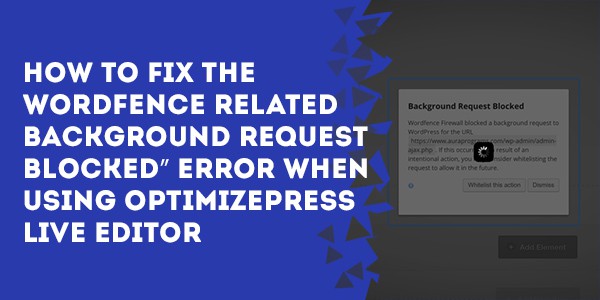
If you're using the WordFence security plugin in conjunction with OptimizePress you may be receiving a “background request blocked” error when you try to save a live editor page which looks like this:

Here's a quick fix solution:
1 – Open the page in Google Chrome browser.
2 – Then when you get that screen you'll want to right click somewhere on the gray overlay (anywhere on the screen) and select inspect.
3 – Then you'll want to scroll through on the left side pane of the inspector and mouse over the various elements until you find the element that corresponds to the overlay covering the page.
I forget what it's called exactly because it's no longer showing for me but I think it has the word “overlay” in it.
Once you've found it, click on it.
4 – Then in the right hand pane of the Chrome inspector, click directly underneath the text “element style”:
And type in display:none; and hit enter.
That'll hide the overlay element, thus allowing you to click the “whitelist this action” button.
5 – Click the “whitelist this action” button.
You'll only have to do this once or twice and WordFence will remember it so you won't have to keep repeating it.